RCS Is Replacing SMS: What Changes for Your Texts
RCS messaging is finally rolling out between iPhones and Android phones, fixing years of blurry photos, broken group chats, and missing read receipts. Here's what actually changes.
Sponsored
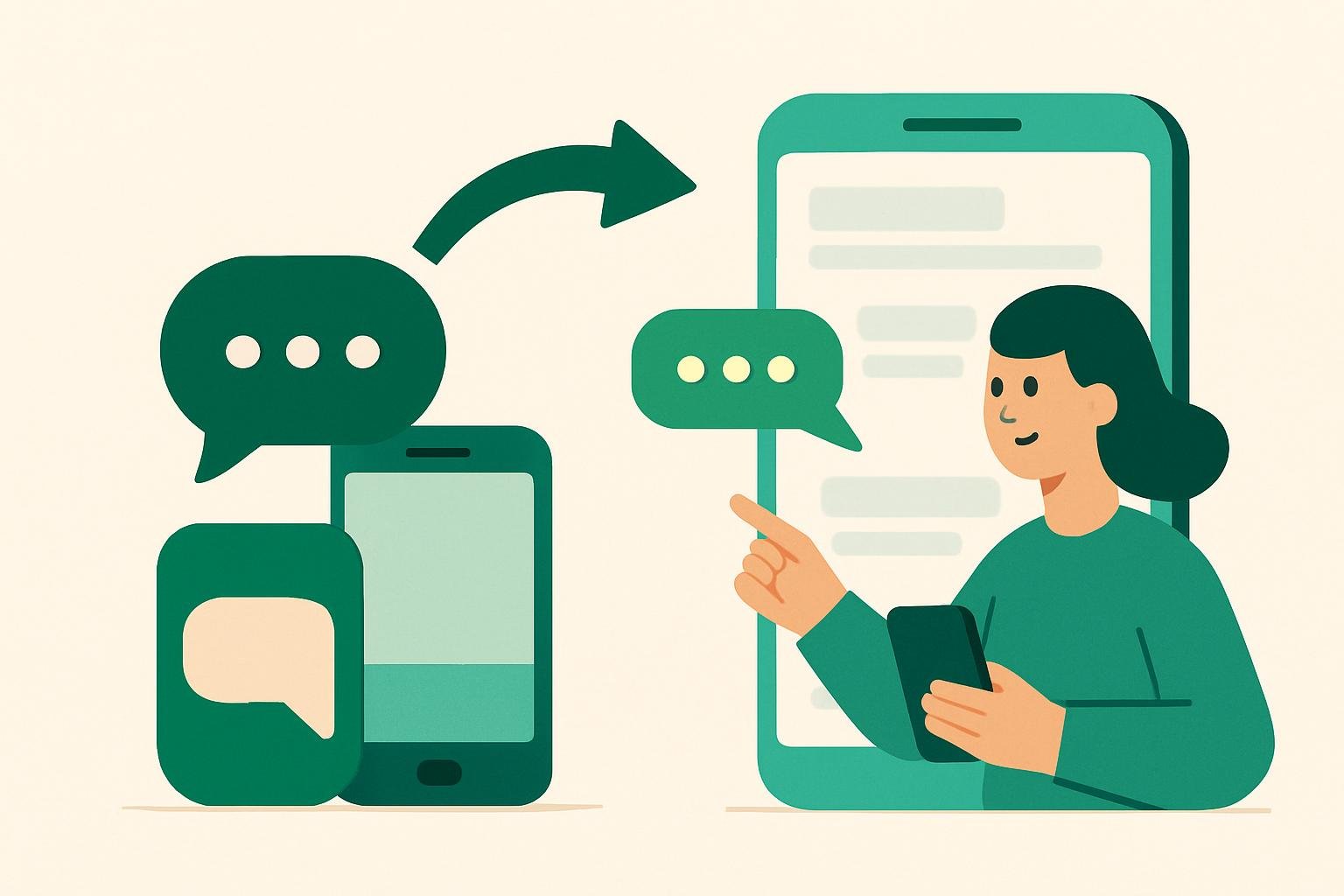
For more than a decade, texting between an iPhone and an Android phone has felt like a step back in time. Photos arrive grainy. Group chats fall apart. There’s no typing indicator, no read receipt, nothing but a plain green bubble and a shrug. That’s finally changing, as RCS (Rich Communication Services) becomes the new standard replacing SMS across both platforms.
This isn’t a flashy new app or a feature you have to seek out. It’s an upgrade happening quietly underneath the messaging you already use, and it’s worth understanding what it actually fixes.
What RCS Actually Is
SMS, the old texting standard, was built in the 1990s for short, plain-text messages. It wasn’t designed for photos, videos, or group conversations, which is why those things have always felt clunky over a basic text thread.
RCS is a newer messaging protocol that carriers and phone makers have been slowly adopting for years. Think of it as the technology that finally lets texting behave like the messaging apps you already know, without requiring anyone to download anything extra. Google has supported RCS in Android’s Messages app for a while. The bigger shift is that Apple has now added RCS support to iPhones, meaning messages between iPhones and Android phones can use it too, not just Android-to-Android chats.
Group Chats Should Finally Work
Anyone who has tried to run a group chat with a mix of iPhones and Android phones knows the pain: messages arrive out of order, some people get texts as separate threads, and someone always seems to be missing replies. That happens because SMS handles group messaging poorly, essentially sending the same message to each person individually rather than treating it as one shared conversation.
RCS group chats work more like the group threads you get in modern messaging apps. Everyone sees the same conversation, in the same order, with the ability to leave the chat, rename it, or add people without breaking things for everyone else. If you’ve been the person stuck troubleshooting a chaotic family group text, this is the fix you’ve been waiting for.
Read Receipts and Typing Indicators Arrive
RCS adds features that have been standard in apps for years but never crossed the SMS divide: read receipts, typing indicators, and delivery confirmations. When you send a message and see “delivered” or watch three dots appear, you’re seeing RCS at work.
Worth noting: these features are optional and can be turned off. If you’d rather not broadcast when you’ve seen a message, you’ll have that choice, just as you do in most messaging apps today.
Photos and Videos Look Like Photos and Videos Again
This is the change most people will notice first. SMS and its picture-messaging cousin, MMS, compress photos and videos heavily to keep file sizes small, since the standard was never built for large media. The result has long been blurry, pixelated images that look nothing like the original.
RCS supports much larger file sizes and better compression, so photos and videos sent between iPhones and Android phones should arrive close to their original quality. No more squinting at a blurry vacation photo your friend swears looked great on their end.
It’s Not Instant, and It’s Not Perfect
A few caveats are worth keeping in mind. RCS support depends on your phone, your carrier, and your software being up to date, so the rollout won’t feel instantaneous for everyone. Some users may need to update settings or apps before they see the change.
Encryption is another gap. Messaging apps like iMessage and several third-party apps encrypt conversations end-to-end by default, meaning only the sender and recipient can read them. RCS is adding encryption for chats on the same platform, but encryption for cross-platform messages between iPhones and Android phones is still being worked out. In practical terms, that means messages between the two ecosystems may not be as private as an iMessage-to-iMessage or a fully encrypted app conversation, at least for now.
And green bubbles won’t disappear. Apple has said messages from Android users will still appear differently from blue-bubble iMessage conversations, even with RCS improvements underneath. The visual distinction stays, even as the underlying experience gets better.
What This Means for You
You likely won’t need to do much. If your phone and carrier support RCS, and the person you’re texting has it too, the upgrade happens automatically in the background. Group chats stop breaking, photos stop looking like they went through a paper shredder, and you get the small conveniences, like read receipts, that Android and iPhone users have separately enjoyed for years.
It’s not a dramatic overhaul. It’s texting finally catching up to a standard that’s been overdue for a very long time.
Remember: this guide is general information, not professional advice for your specific situation. For decisions with real stakes, check with a qualified professional.