Passkeys, Explained: The Password-Free Login Worth Setting Up Now
Passkeys are quietly replacing passwords on major apps and websites. Here's what they are, why they're more secure, and how to start using them without confusion.
Sponsored
Why This Is Showing Up Everywhere
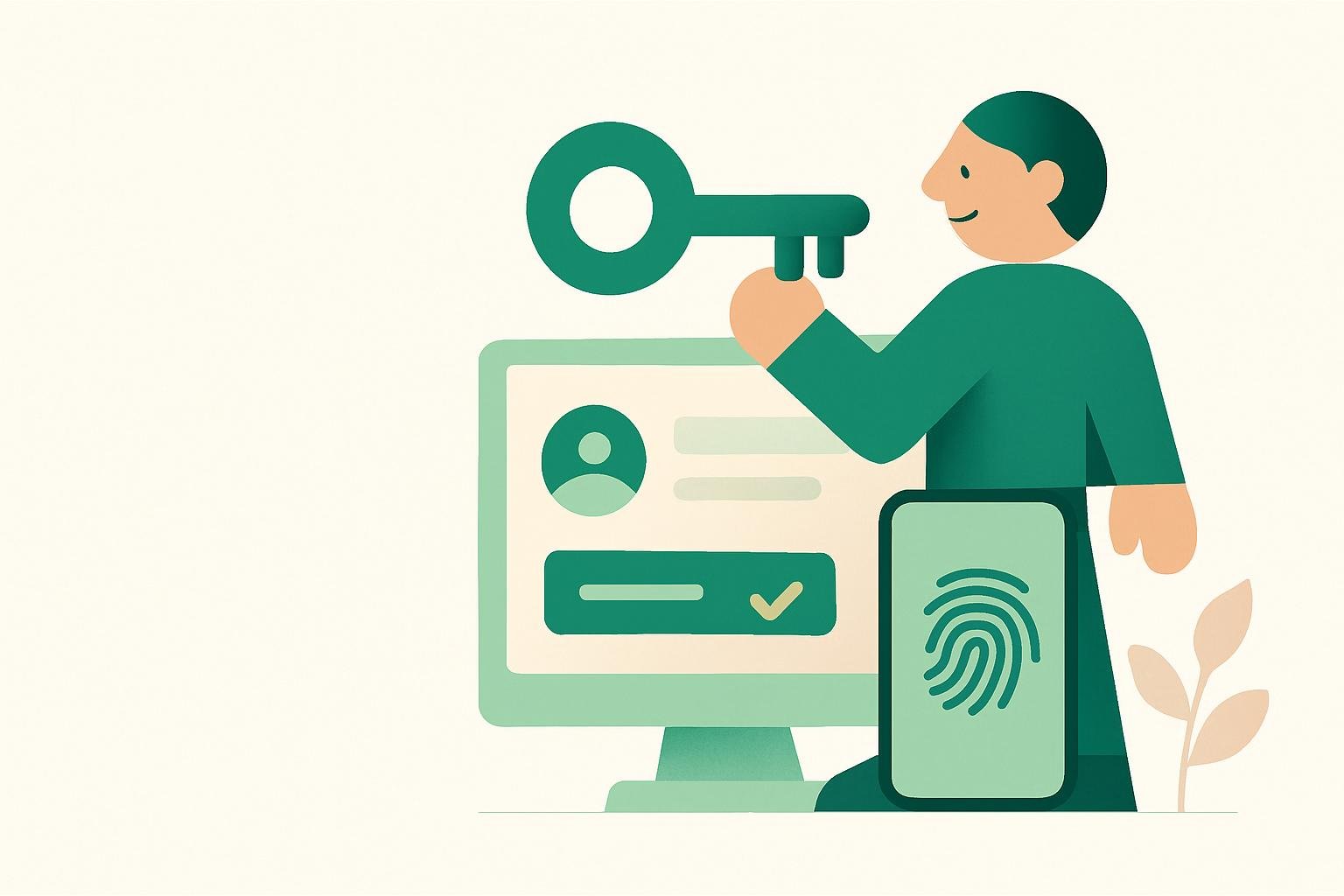
You’ve probably noticed it: a login screen that skips the password field and instead asks you to use your fingerprint, your face, or a PIN you already use to unlock your phone. That’s a passkey, and it’s rapidly becoming the new standard for signing into apps and websites.
This isn’t a gimmick or a temporary trend. Major tech companies have spent years building toward this, and most phones, laptops, and browsers now support it. If you’ve been ignoring the prompts to “create a passkey,” it’s worth understanding what you’re being offered.
What a Passkey Actually Is
A passkey is a digital credential that replaces a traditional password. Instead of typing a string of characters you have to remember, your device generates a unique cryptographic key pair (two mathematically linked codes) for each account.
One half of that pair stays locked on your device, protected by your fingerprint, face scan, or screen lock. The other half lives on the website or app’s server. When you log in, your device proves it holds the matching key without ever sending anything a hacker could steal and reuse elsewhere.
In plain terms: there’s no password to leak, guess, or phish, because there’s no password at all.
Why It’s More Secure Than a Password
Passwords fail in predictable ways. People reuse them across sites, choose easy-to-guess combinations, or get tricked into typing them into fake login pages during phishing attempts. A single leaked password can unlock several accounts if you’ve reused it.
Passkeys sidestep most of that. Because the private half never leaves your device, there’s nothing for a data breach to expose. And because a passkey only works on the legitimate site it was created for, a fake lookalike login page simply won’t be able to use it, which makes phishing attacks far less effective.
They’re also easier to use correctly. A strong password requires effort and memory. A passkey just requires your face, fingerprint, or device PIN, the same quick action you already use dozens of times a day.
How It Works Across Your Devices
One common worry: what happens if you lose your phone? Passkeys are typically synced through your existing account ecosystem, such as your phone’s built-in password manager tied to your Apple, Google, or Microsoft account. That means if you get a new device and sign into that ecosystem, your passkeys usually come with you.
You can also use a passkey stored on your phone to log into an account on a different device, like a work laptop, often by scanning a QR code and confirming with your fingerprint or face. This keeps the sensitive credential on your phone while still letting you use other hardware.
Where You’ll Encounter Them
Passkeys are rolling out gradually rather than all at once. You’ll most often see the option on:
- Major email providers and cloud storage services
- Social media platforms
- Banking and financial apps
- Shopping sites with saved payment information
- Password manager apps themselves
Most services still let you keep a traditional password as a backup option, so switching to a passkey doesn’t lock you out if something goes wrong. Think of it as an upgrade you can adopt gradually, service by service.
Setting One Up Without Overthinking It
You don’t need to convert every account today. A practical approach:
- Start with your most important accounts: email, banking, and any account tied to your identity or finances.
- Look for a setting like “Passkeys,” “Sign in with a passkey,” or “Set up passwordless login” in your account or security settings.
- Follow the prompt, which usually just asks you to confirm with your existing fingerprint, face, or device PIN.
- Keep your password as backup for now unless the service tells you it’s fully optional to remove.
The setup typically takes under a minute per account. There’s no need to memorize or write anything down.
A Realistic Note on Limitations
Passkeys aren’t universally supported yet. Some older devices, less common apps, and smaller websites still rely entirely on passwords. You’ll likely be using a mix of passkeys and passwords for the next few years, not a complete switch overnight.
It’s also worth understanding that a passkey is tied to your device’s security, so if someone else can unlock your phone with your fingerprint or face, they can potentially access accounts using your passkeys, the same way they could with your device generally. Keeping your device’s screen lock secure matters more than ever.
The Takeaway
Passwords have been a weak link in online security for decades, mostly because they depend on humans remembering and protecting complicated strings of characters. Passkeys remove that burden almost entirely while making accounts harder to break into.
You don’t have to overhaul your digital life this week. But the next time an app offers to set one up, it’s worth saying yes. It’s a small five-second decision that quietly makes your accounts safer for years to come.
Remember: this guide is general information, not professional advice for your specific situation. For decisions with real stakes, check with a qualified professional.