On-Device AI Is Quietly Changing What Your Phone Can Do
AI models that run directly on your phone or laptop, instead of in the cloud, are reshaping privacy, speed, and offline access—here's what's actually different.
Sponsored
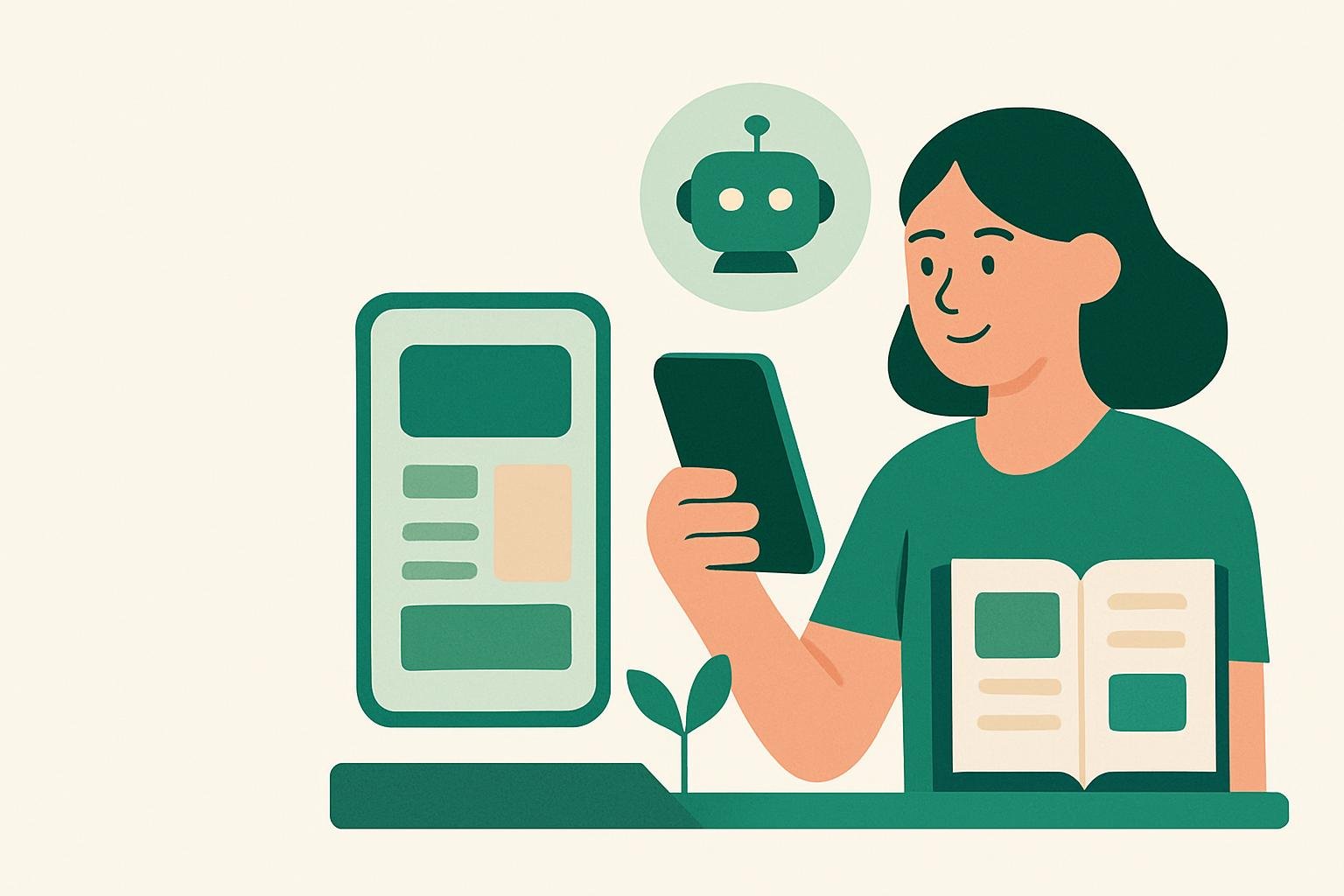
For the past few years, using AI usually meant sending your words, photos, or questions off to a distant data center and waiting for an answer to come back. That’s still how most chatbots and image generators work. But a quieter shift is happening inside the devices already in your pocket and on your desk: AI models small enough to run locally, without an internet connection, without your data ever leaving the device.
This matters more than it might sound. The move to on-device AI changes three things at once—privacy, speed, and what your device can do when there’s no signal at all.
What “On-Device” Actually Means
Cloud-based AI runs on powerful servers owned by a company, somewhere far away. When you ask a chatbot a question, your request travels over the internet, gets processed on that server, and the answer travels back. This is why it needs a connection and why there’s always a small delay.
On-device AI flips that. The model itself—the trained system that generates text, recognizes speech, or edits a photo—lives directly on your phone or laptop. Newer phones and computers include specialized chips built specifically to run these models efficiently, without draining the battery or overheating the device. The AI doesn’t need to “call home” to work.
These on-device models are smaller than the giant ones running in the cloud, so they’re not as capable at complex, open-ended tasks. But they’ve gotten surprisingly good at specific jobs: transcribing speech, summarizing text, editing photos, translating language, and answering simple questions.
Why Privacy Improves
When an AI task happens on your device, your data doesn’t need to leave it. A voice memo you ask an assistant to summarize, a photo you want cleaned up, a document you want translated—none of it has to be uploaded anywhere.
That’s a meaningful shift. Cloud AI services generally process your input on their servers, and depending on the company’s policies, that data may be stored, reviewed, or used to improve future models. Most companies are careful about this, but the underlying fact remains: your information passes through someone else’s system.
On-device processing removes that step entirely for the tasks it can handle. Nothing is transmitted, so there’s nothing to intercept, store, or repurpose. For anything sensitive—health notes, financial details, personal photos—this is a real difference, not a marketing distinction.
Why It’s Faster
Speed is the other obvious win. Sending data to a server and waiting for a response takes time, even on a fast connection. On-device AI skips that round-trip entirely. The processing happens right where the data already is, so results can appear almost instantly.
This shows up in small but noticeable ways: a keyboard that predicts your next word without lag, a camera that recognizes text in real time, a voice assistant that responds the moment you stop talking. None of it depends on how strong your signal is, because there’s no signal involved.
What Works Offline Now
This is where on-device AI becomes genuinely practical rather than just a privacy upgrade. Features that once required an internet connection—transcription, translation, photo editing, basic writing help—can now work on a plane, in a remote area, or during an outage.
This matters for anyone who travels, works in places with unreliable connectivity, or simply wants their device to keep functioning when the network doesn’t. It also means these features keep working even if a company’s servers go down, which does happen.
The Trade-Offs Worth Knowing
On-device AI isn’t a full replacement for the cloud, at least not yet. The models are smaller because phones and laptops have limited processing power and battery capacity compared to a data center full of servers. That means they’re less capable at handling long, complex, or highly creative tasks—writing a detailed essay, reasoning through a multi-step problem, or generating a polished image from scratch.
Many devices now use a hybrid approach: simple, everyday tasks run locally, while more demanding requests still get sent to the cloud. This gives you the speed and privacy benefits where they matter most, without losing access to more powerful AI when you actually need it.
What This Means for You
You don’t need to change how you use your phone to benefit from this shift—it’s largely happening in the background, built into features you already use. But it’s worth knowing which of your devices support it, since newer models tend to include the specialized chips that make on-device AI fast and efficient.
If privacy is a priority for you, look for settings or app descriptions that mention “on-device processing” or “local processing.” It’s becoming a genuine selling point, not just a technical footnote.
The broader takeaway: AI is no longer only something that happens somewhere else. Increasingly, it happens right where you are—faster, more private, and available even when nothing else is.
Remember: this guide is general information, not professional advice for your specific situation. For decisions with real stakes, check with a qualified professional.